


Browsing Main figures
On the Main figures page you can browse core statistical data grouped by statistical concepts. The four distinct levels of drill-down for finding your data in this section are described below.
Level one: topics
Clicking on Main figures in the overhead tab gives you the option to view data on the following topics.
- ECB interest rates and exchange rates
- Bank interest rates
- Bank balance sheets
- Inflation
- Macroeconomic and sectoral indicators
- External sector
- Investment funds
- Securities
- Supervisory banking data
Level two: sub-topics
Each topic has related sub-topics. For example, under Bank interest rates, you can find the following sub-topics.
- Deposits
- Loans
Main figures sub-topics

Level three: tabs
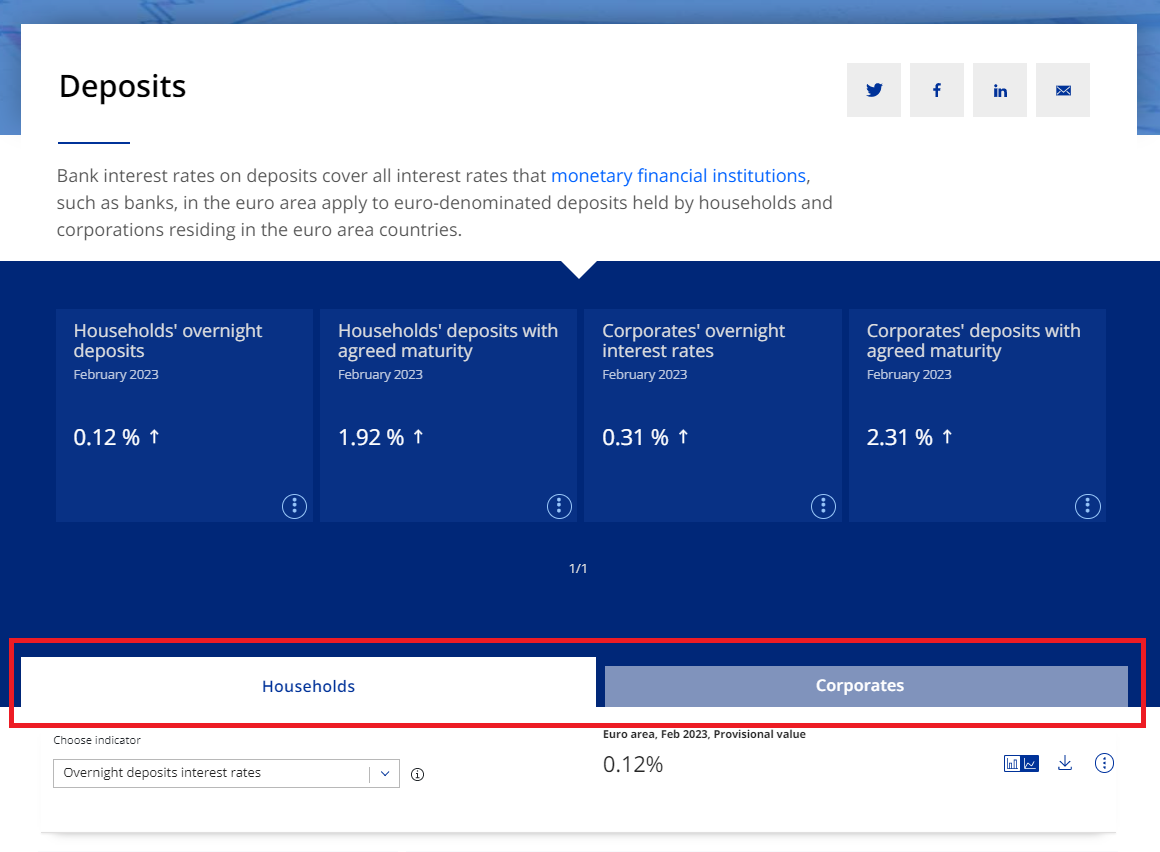
Once you have selected your preferred sub-topic, you can review the tabs for further breakdowns. Continuing with the previous example, when clicking View more on the sub-topic Deposits, the following tabs are available.
- Households
- Corporates
Main figures tabs
Level four: indicators
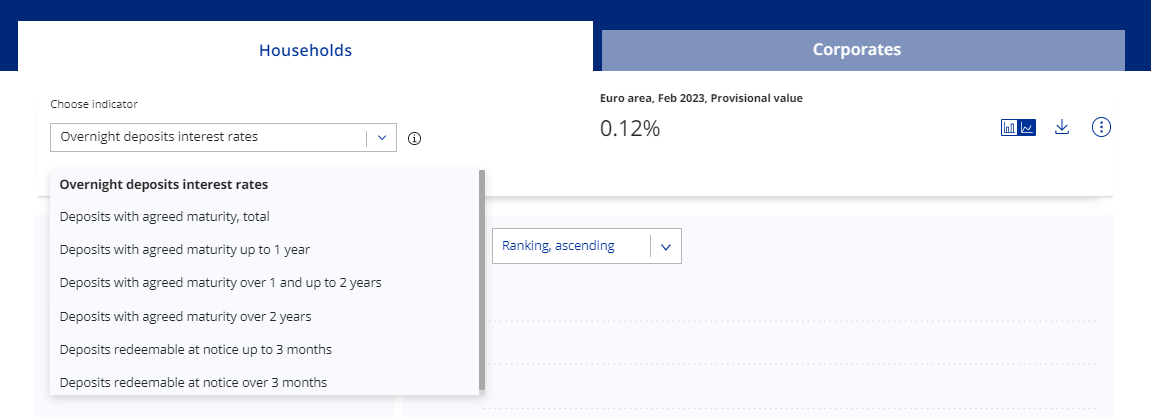
In your selected tab, you can select the specific time series – the indicator – from the Choose indicator drop-down menu. When you select your indicator, the chart(s) below will automatically update the data for your selection.
Main figures indicators
You have the option to customise, download and share the data.