How do ECB Data Portal layers work?
To enhance data accessibility and user experience, a layered approach for presenting the data in the ECB Data Portal (EDP) has been defined. This approach categorises data into four layers: key data, detailed data, all data and web services (API).
ECB Data Portal Layers
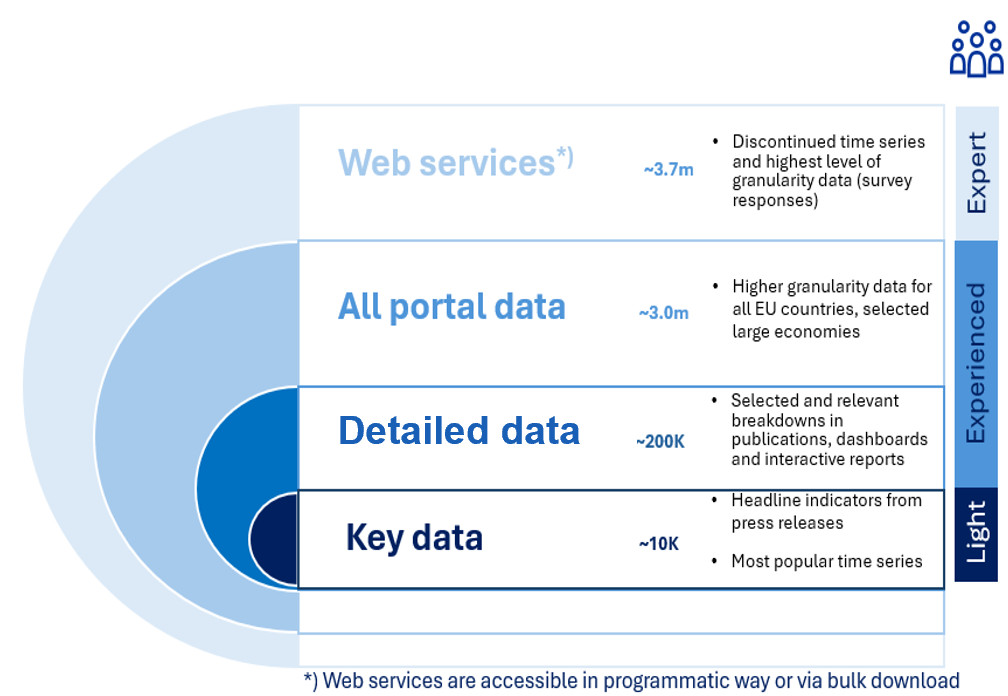
The Layers
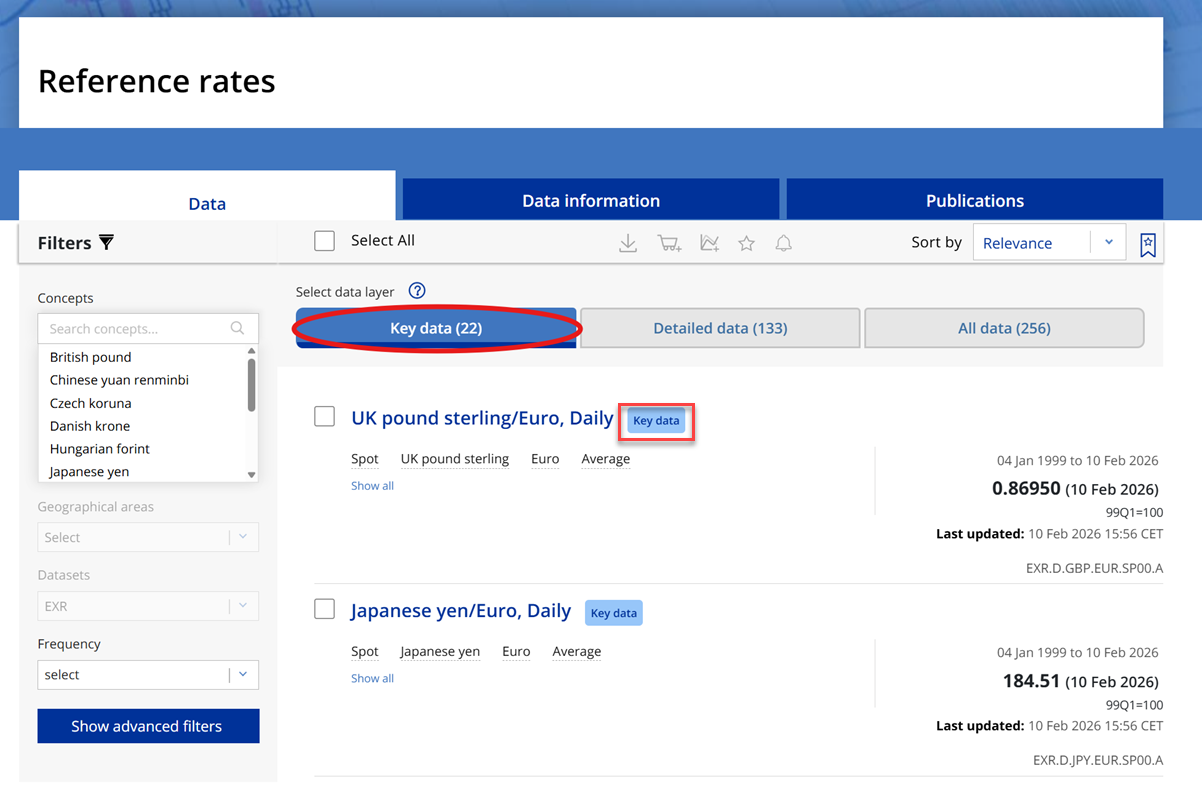
Key data refers to the set of series included in the ECB Data Portal’s Key figures and indicators included on the homepage dashboard. This layer is designed to simplify data searching and browsing by prioritising indicators that are most relevant and widely used. To easily identify these important indicators and data, they are marked with the key data label.
Key data layer
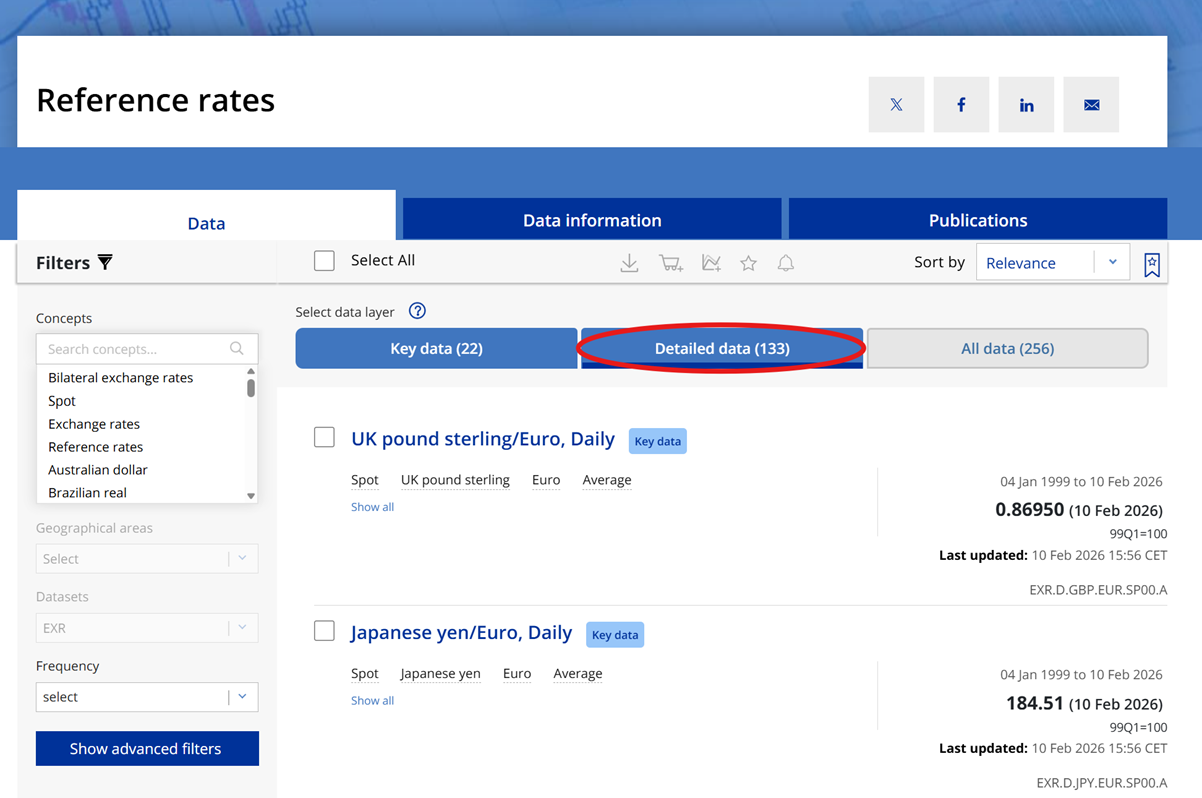
Detailed data expands on the Key data layer by including additional series present in publications, dashboards, and interactive reports, offering more in-depth data insights and broader context.
Detailed data layer
The All data layer integrates the series from the detailed data layer, alongside other disseminated series, excluding those for non-EU countries and discontinued series. This layer provides comprehensive datasets in full detail for analysis and covers all data available via the ECB data portal.
All data layer
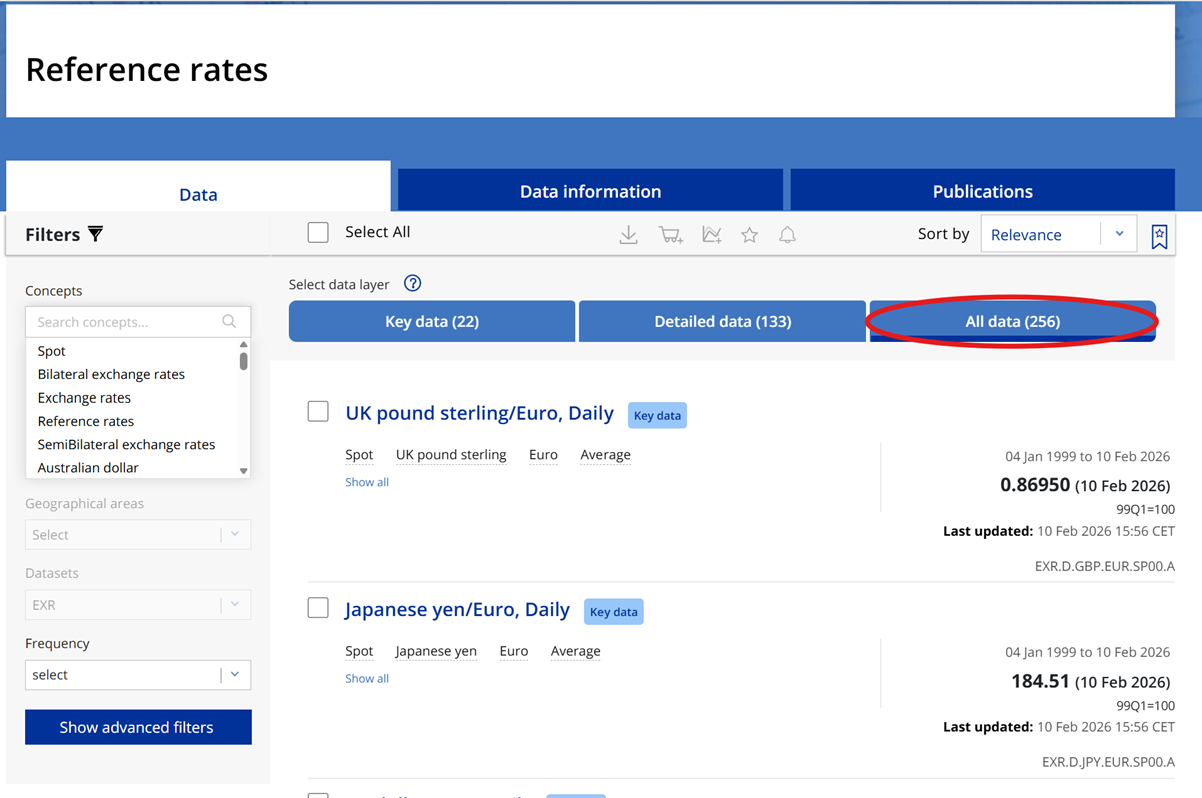
The web services (API) layer goes beyond the portal layers (Key data, Detailed data and All data) by comprising also the remaining series not available via the portal. These may include datasets in full details, series for non-EU countries, those with no usage on the portal as well as discontinued series, among others. This layer enables you to download not only individual series, sets of series, but also full datasets via API queries using the bulk download API functionality. Further details on how to retrieve data via API can be found on the portal API help page.
Default layers
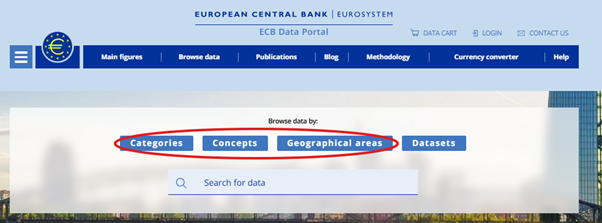
When searching or browsing data by Categories, Concepts and Geographical areas, by default, users will be directed to the Key data layer.
Searching or browsing data by Categories, Concepts and Geographical areas
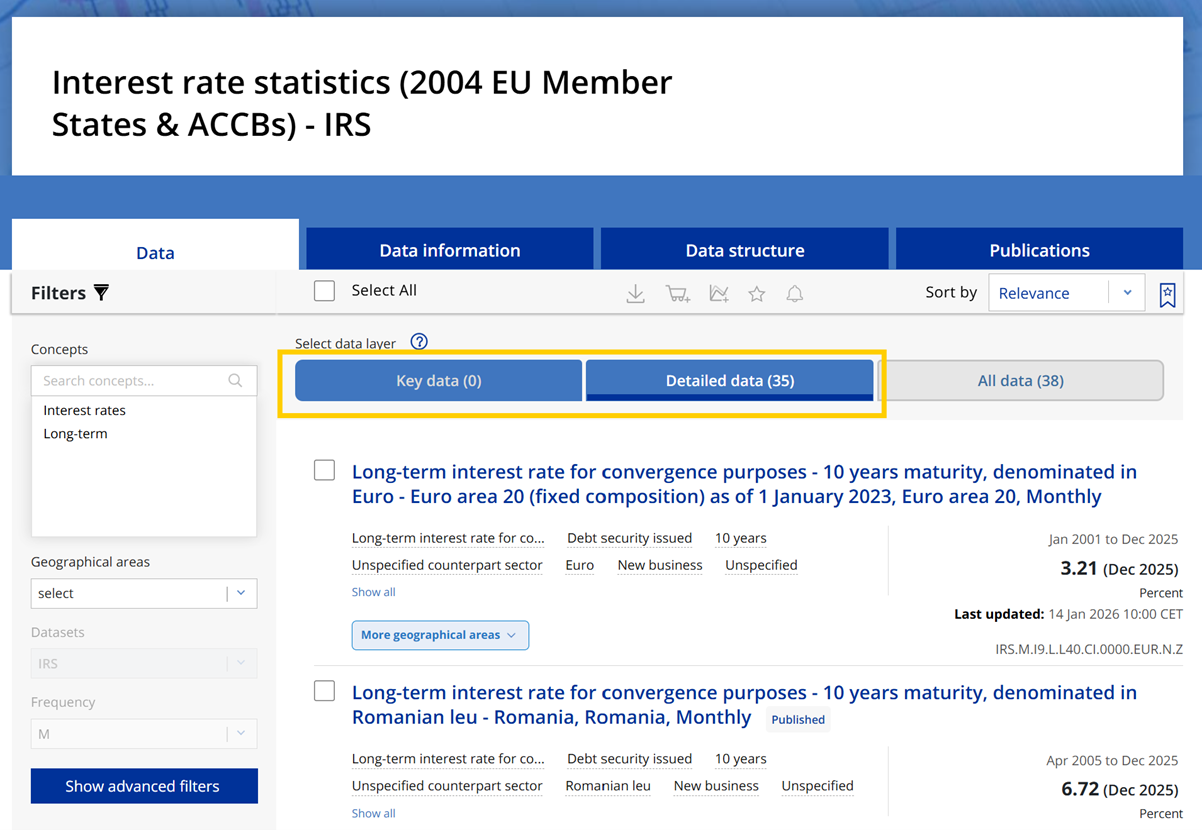
If no results are found within the Key data layer, the search/browsing page will automatically point to the Detailed data layer. Similarly, if no results are available in both Key data and Detailed data layers, the search/browsing page directs to All data layer.
No results in Key data layer
When browsing by Datasets, the default layer is set to All data layer.
In addition if you search using series keys or wildcards the default layer is also set to All data layer.
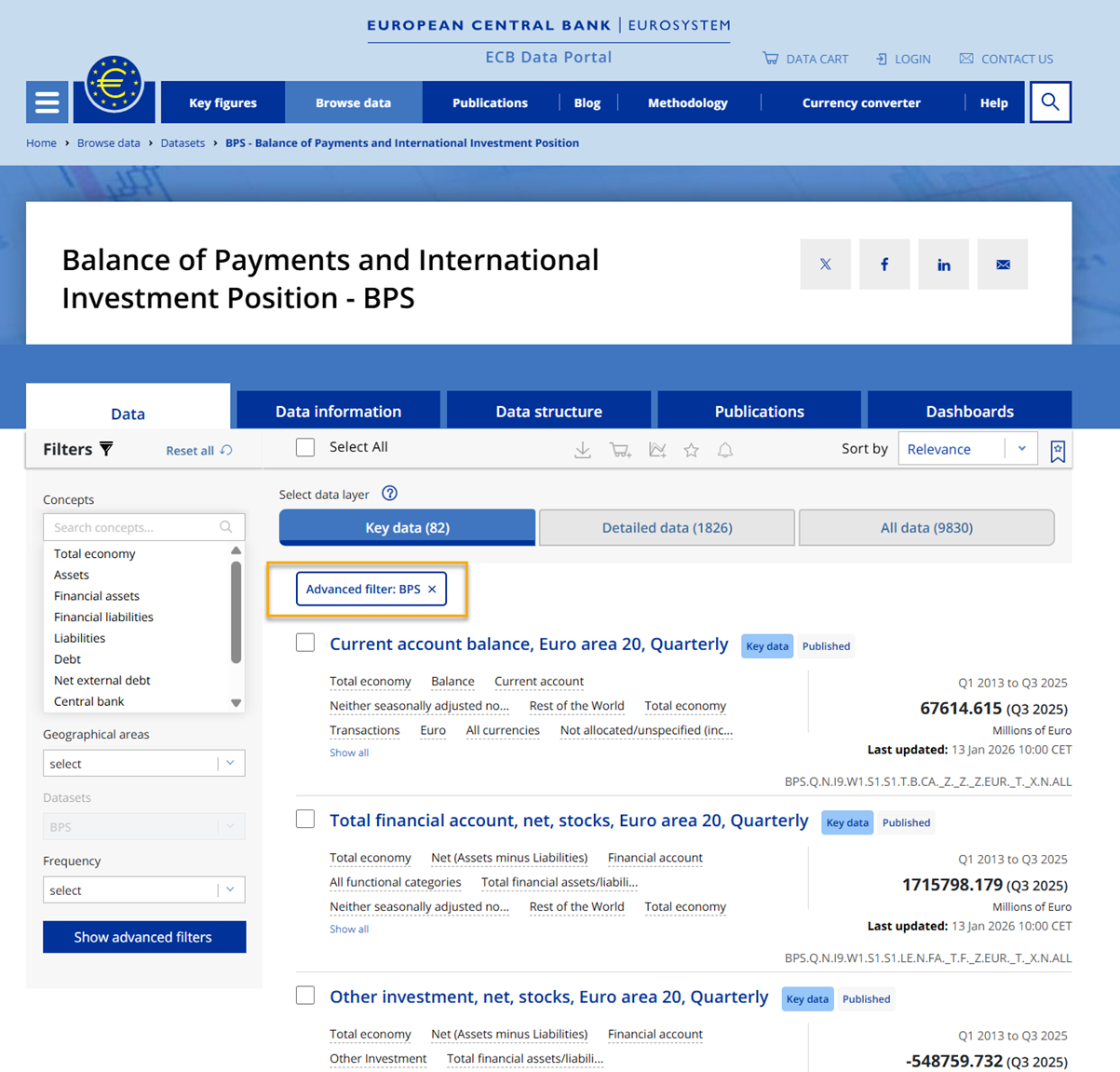
In all cases, you will have the possibility to easily switch between the portal layers using dedicated filter buttons. This approach ensures that you can efficiently locate the data detail and granularity you need
Filters and data layer selection
The data layer buttons behave as filters, therefore when both simple or advanced filters are applied, the filters will only display the relevant options and results available in the selected data layer.
Basic filters and layers
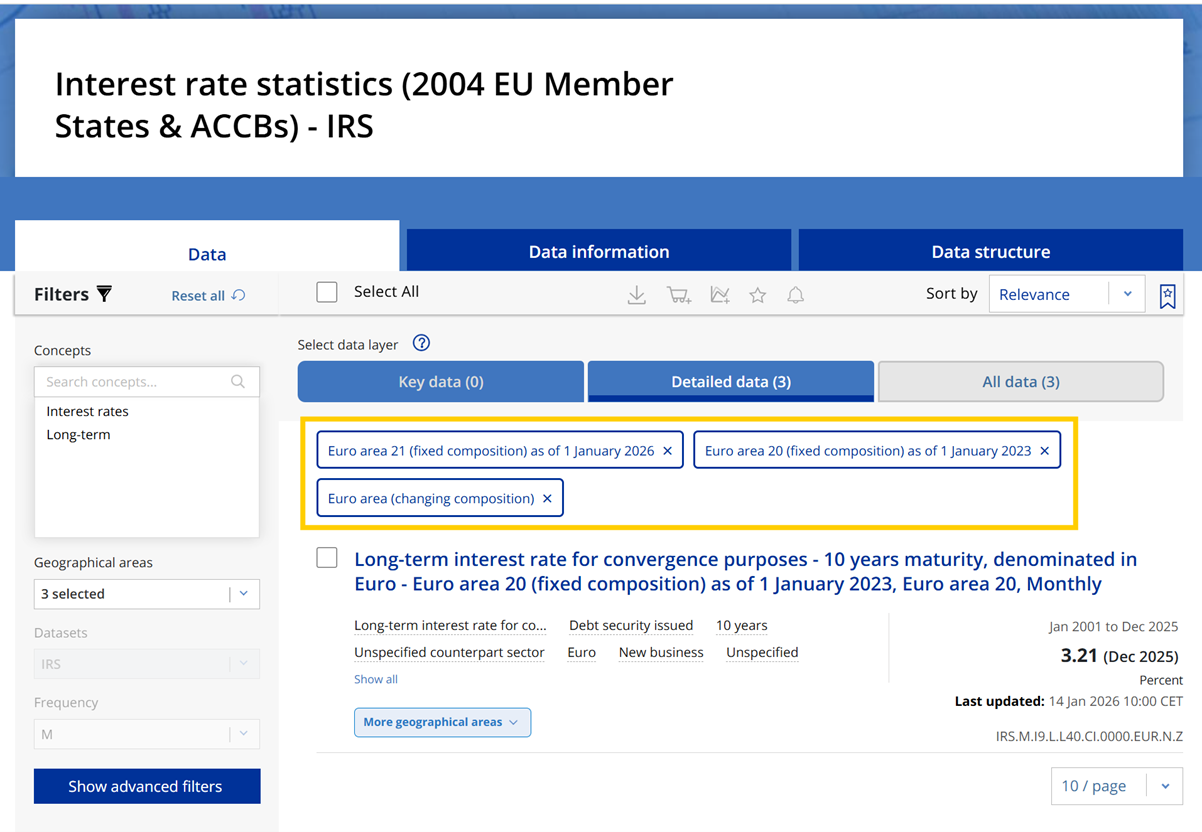
Advanced filters indicate the layer in which you filter
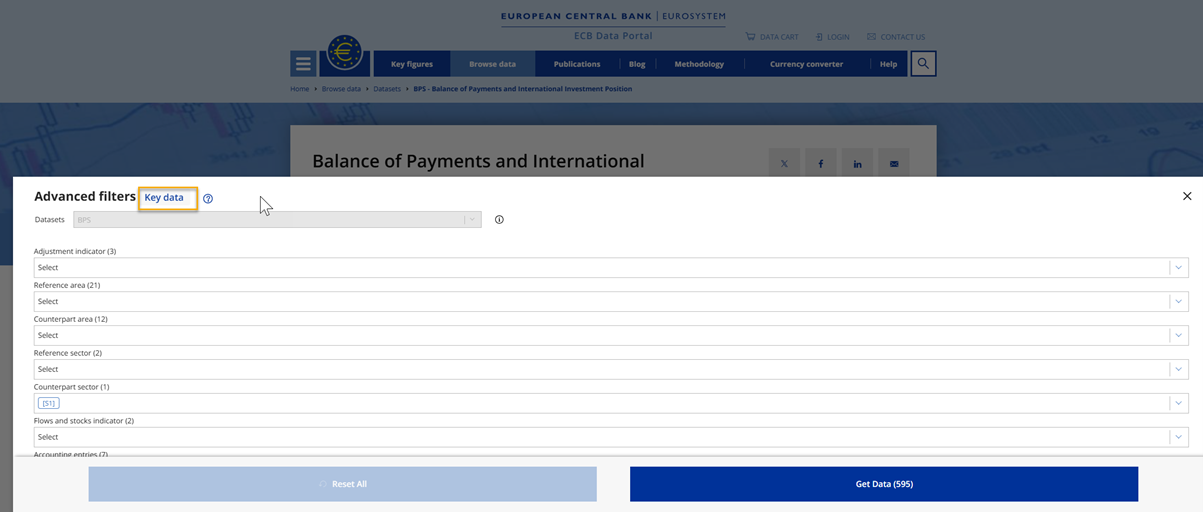
Advanced filters and layers