


Browse
Add a data list to the data comparison
To add a data list to your data comparison, select it from the dropdown menu under Select List. You can decide to either Select All (selecting all time series within the data list) or select specific time series within the list. Then click on the Add to compare icon.
Add a data list to the data comparison
Image
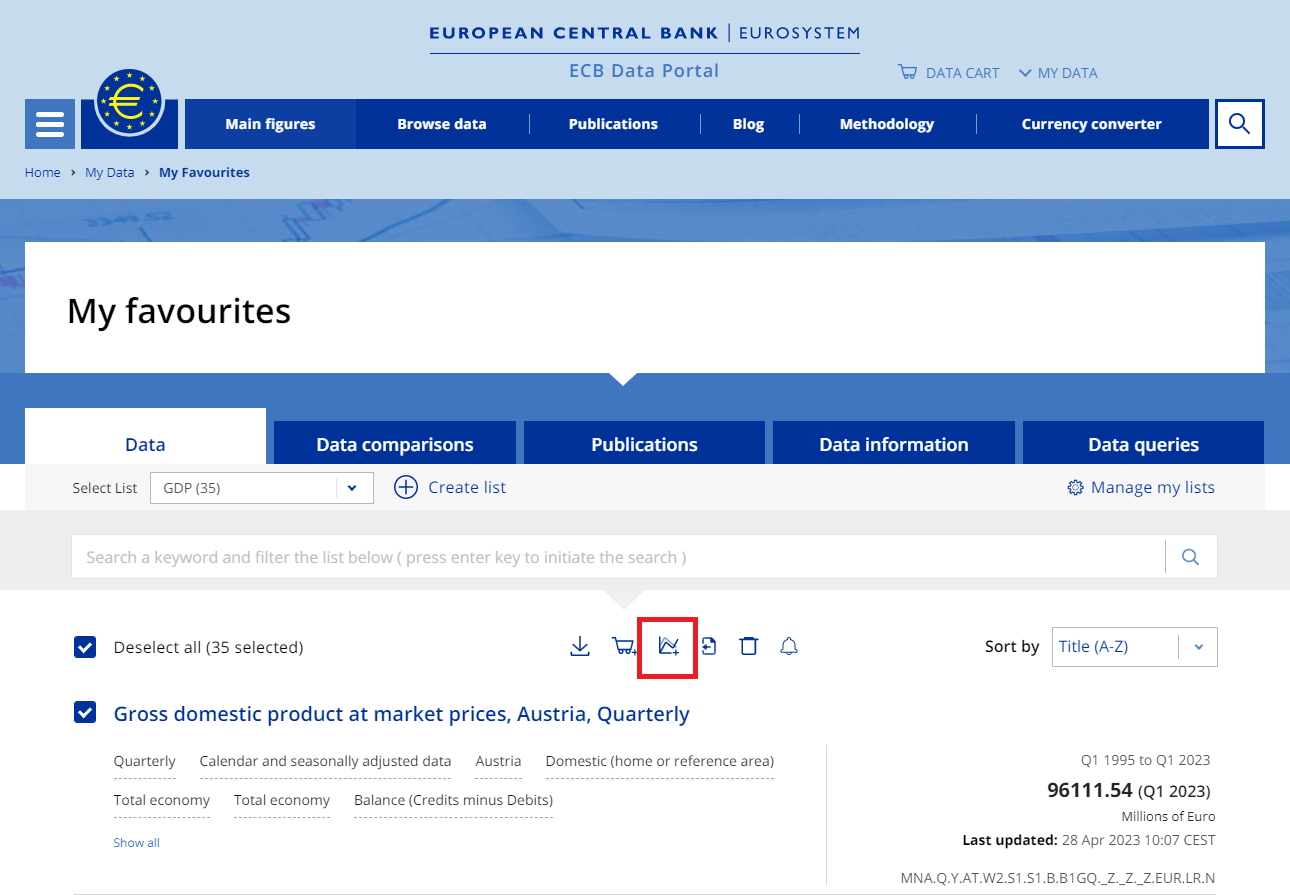
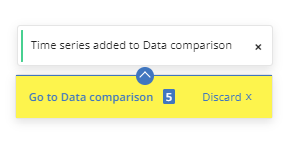
You will then see a pop-up module in the bottom-right corner. Clicking on the link in the pop-up will take you directly to the data comparison tool. If you choose to continue browsing for data, the pop-up will remain in the same location any time you are not in the data comparison tool.
Time series added to data comparison
Image
To learn more on how to use the data comparison tool, see Exploring data comparison.