


Using the search function
The search bar allows you to quickly and easily find data on the ECB Data Portal. It is located on the homepage and at the top-right corner of all other ECB Data Portal pages.
Search bar
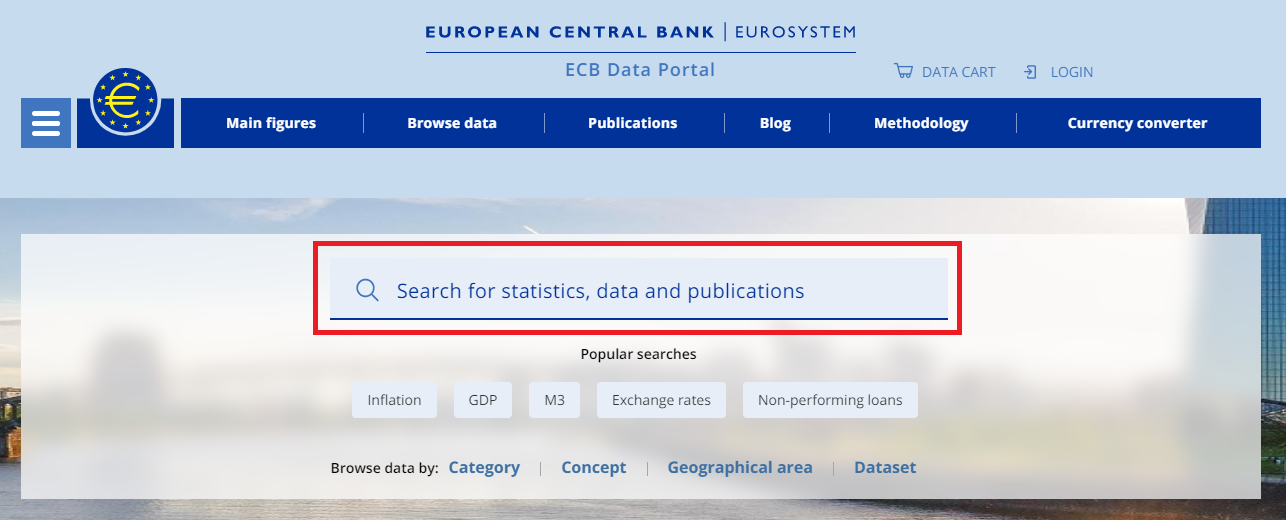
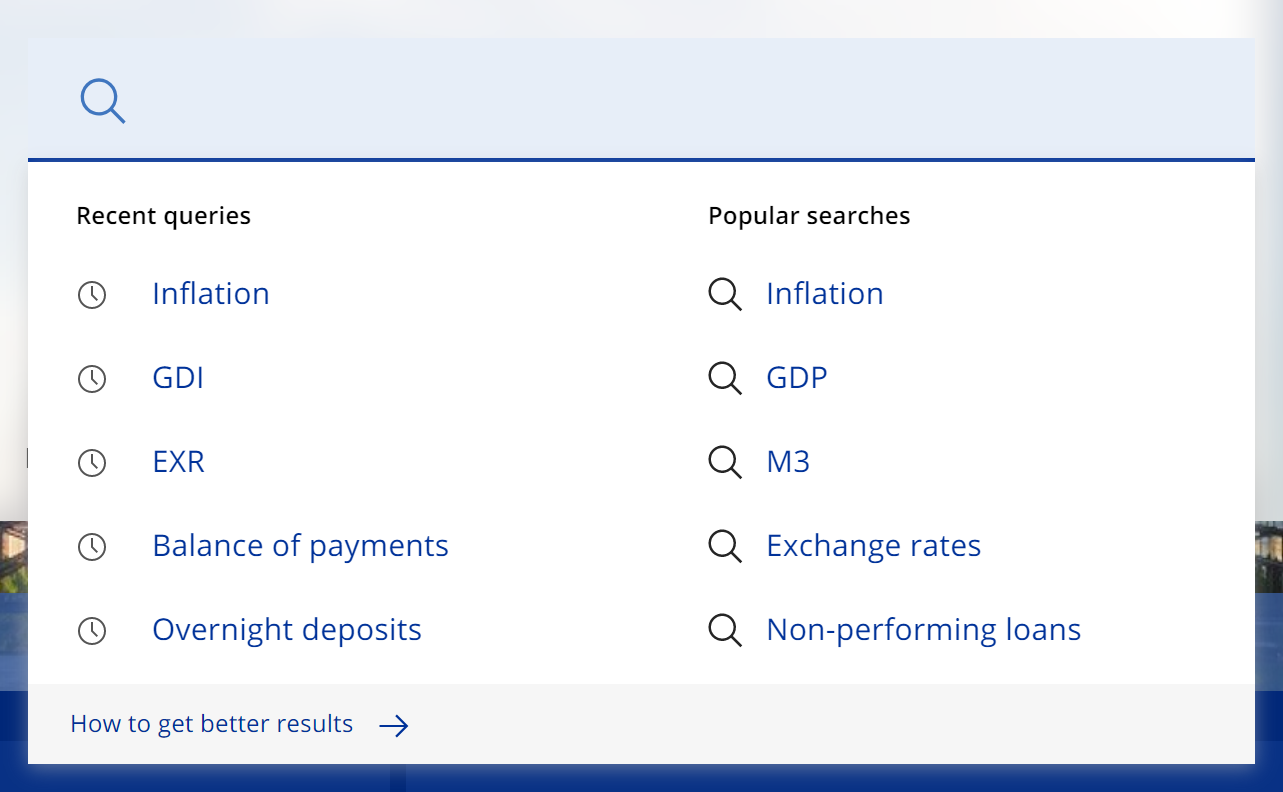
If you have made a previous search query using the ECB Data Portal, your most recent searches will appear in a drop-down list after you click on the search field. To make the same search again, click on any of the keywords in the drop-down list.
You can also find suggestions for frequently searched keywords on the right-hand side of the drop-down list. You can also find the frequently searched keywords on the ECB Data Portal homepage, below the search bar.
Recent queries and popular searches
Once you have executed a search, you will arrive at the search results page. To learn more, please see Navigating the search results page.