


Browse data by geographical area
You can browse the statistical data on the ECB Data Portal grouped by the geographical area to which the statistics relate. Click on Browse data in the overhead tab and select Geographical area. All geographical areas are provided in alphabetical order and the number of time series relating to a particular concept is displayed within brackets.
You can find all EU countries, as well as their various aggregations, at the top of the list, followed by all other geographical areas in the world (including special administrative regions, territories, countries and aggregates).
Geographical areas
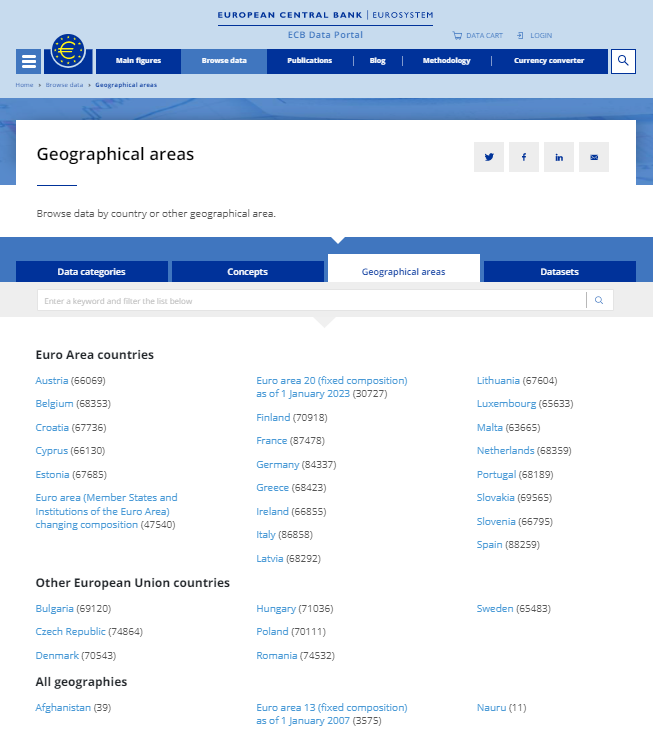
You can also search for keywords within the geographical area tab. The search functionality will automatically sort your query while you are typing. It will open the relevant fields where the term is found and present it in a bold font.
Once you have selected a specific geographical area, you will arrive on the search results page. To learn more about navigating the search results page and further filtering for your data, please see the following articles.