


Browse data by dataset
You can browse the statistical data on the ECB Data Portal by datasets, which are organised using a common statistical collection and structure. Click on Browse data in the overhead tab and select Browse by datasets.
Browse by dataset
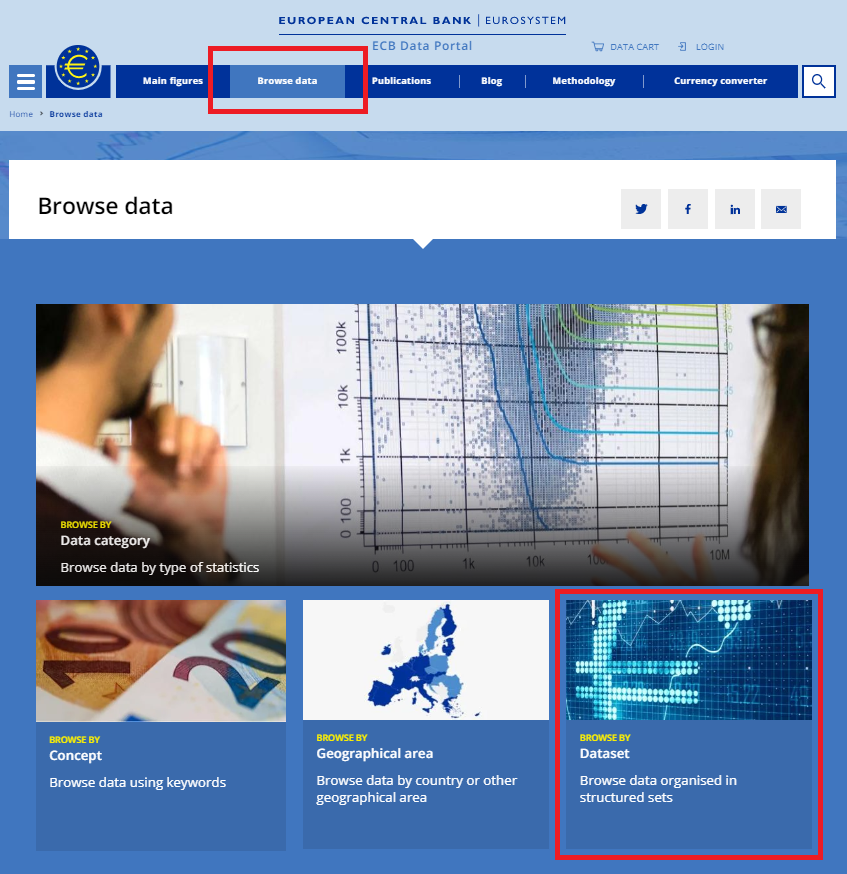
The number of time series relating to a particular dataset is displayed within brackets behind the dataset description.
Datasets
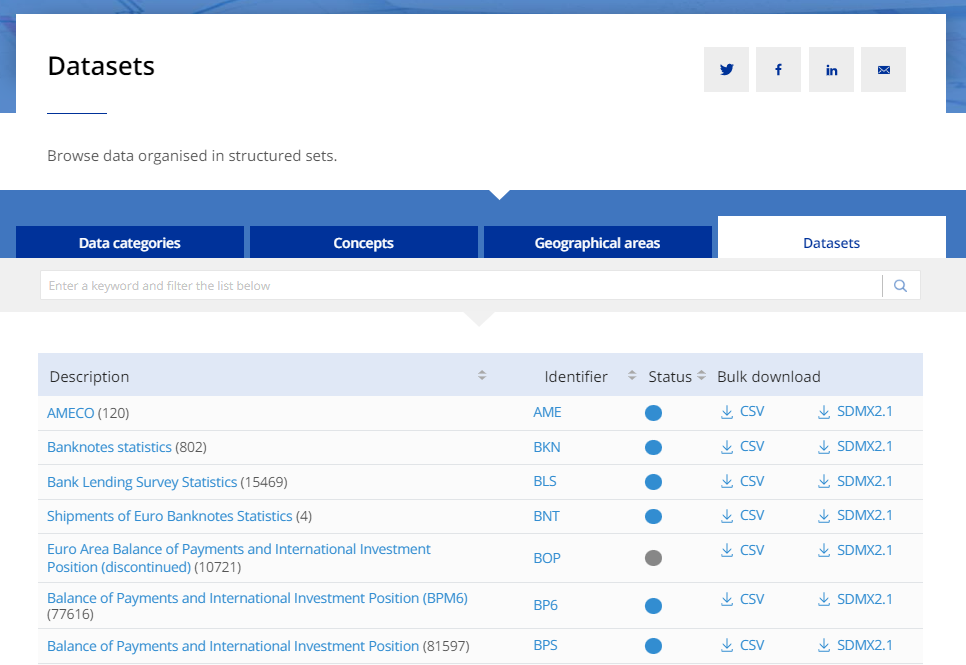
You can sort the datasets alphabetically by clicking on the Description or Identifier (the code for the particular dataset). You can also sort the datasets by Status, which shows whether they are a discontinued series, meaning the data are no longer being regularly updated, or a live series, meaning the data are up to date.
Alternatively, you can use the search bar to filter for keywords. They will filter automatically as you type.
Once you have found your intended dataset you can either click on it to view detailed information for the data or download it directly as CSV or SDMX files. Once you have selected a specific dataset, you will arrive on the search results page.
To learn more about navigating the search results page and further filtering for your data, please see the following articles.